Smart adapter discovery
Lists every adapter dynamically and identifies its nature — physical, wireless, virtual, VPN, Bluetooth or loopback. It never assumes an interface is called "Ethernet".
Network Configuration Utility · v1.0.0
A small, reliable Windows tool for changing a network adapter's IPv4 configuration — built for commissioning technicians working next to PLCs, SCADA systems and industrial Ethernet, where a wrong or half-applied change is expensive.
On a commissioning site you re-address laptops between machine networks constantly — PLC subnet, camera network, X-ray, office. Doing it through Windows' settings is slow, error-prone, and unforgiving when a line is live.
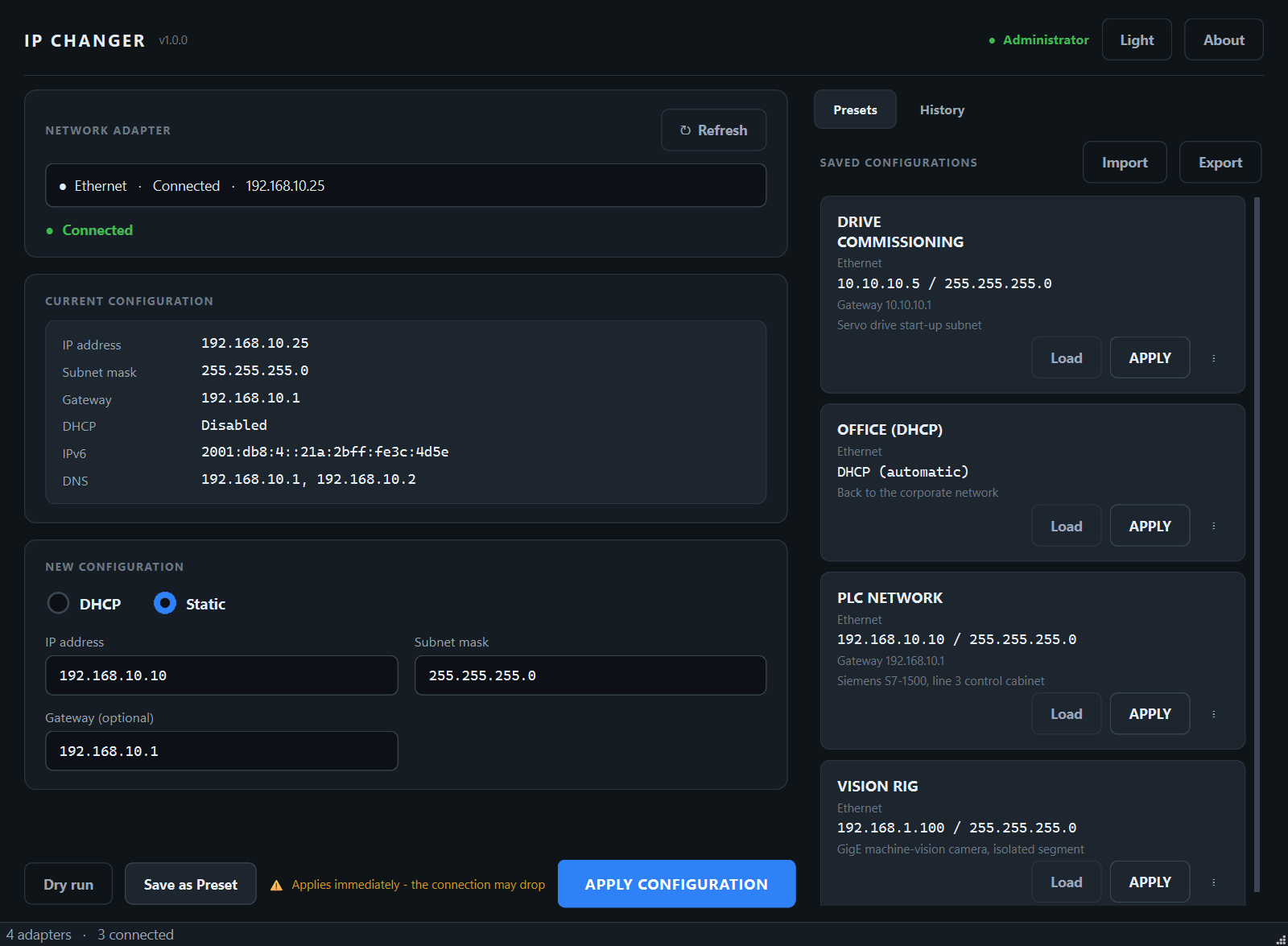
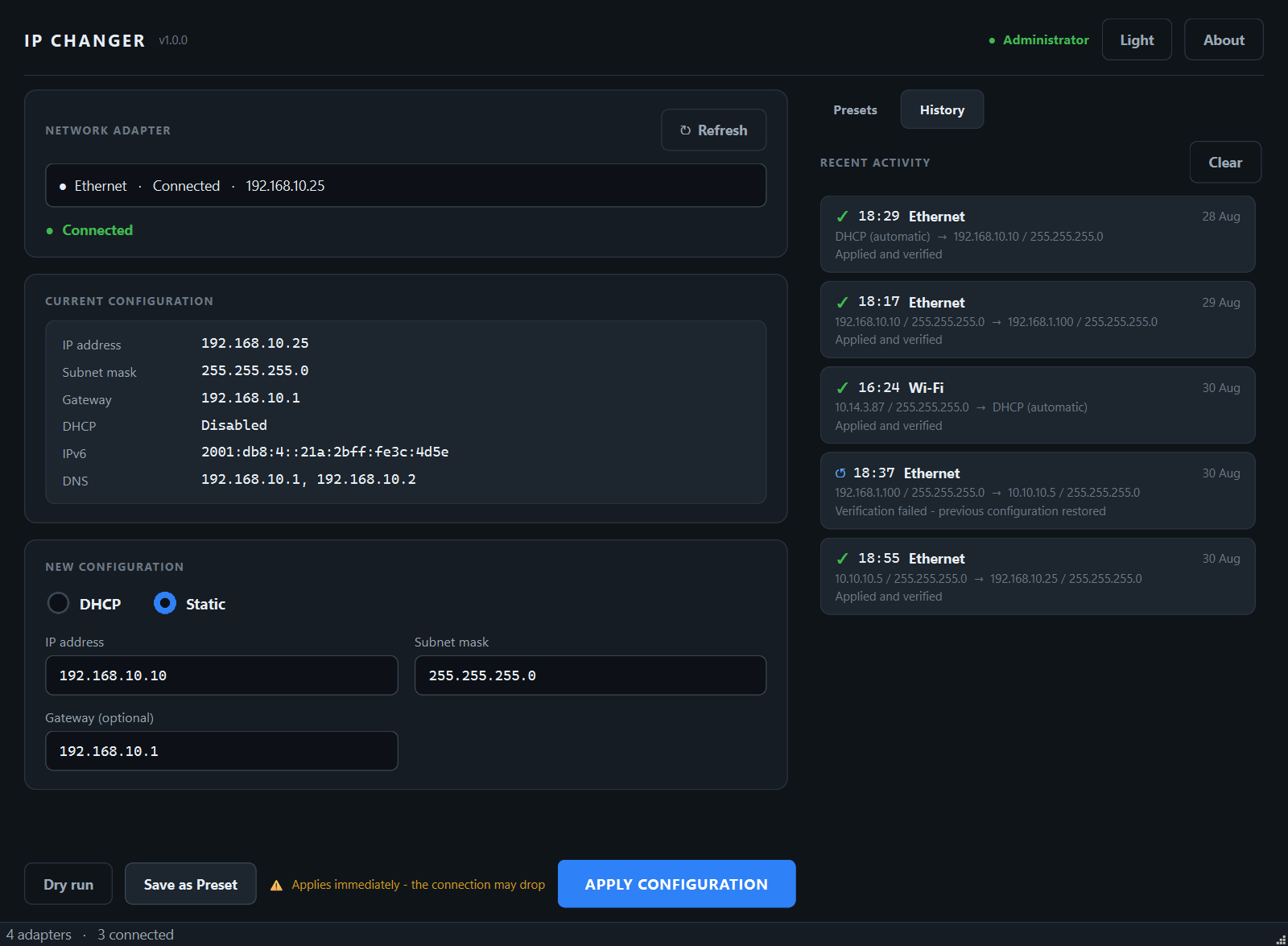
IP CHANGER makes that one job fast and safe. Every change follows the same discipline: it validates the input, snapshots the current state, applies, then verifies against the adapter's real configuration afterwards — and if anything looks wrong, one click restores the previous setup.
It deliberately does not touch DNS, IPv6, firewall rules, or any adapter other than the one
you selected. It's fully offline, and the packaged IP_CHANGER.exe needs nothing installed —
perfect for a USB stick in a commissioning bag.
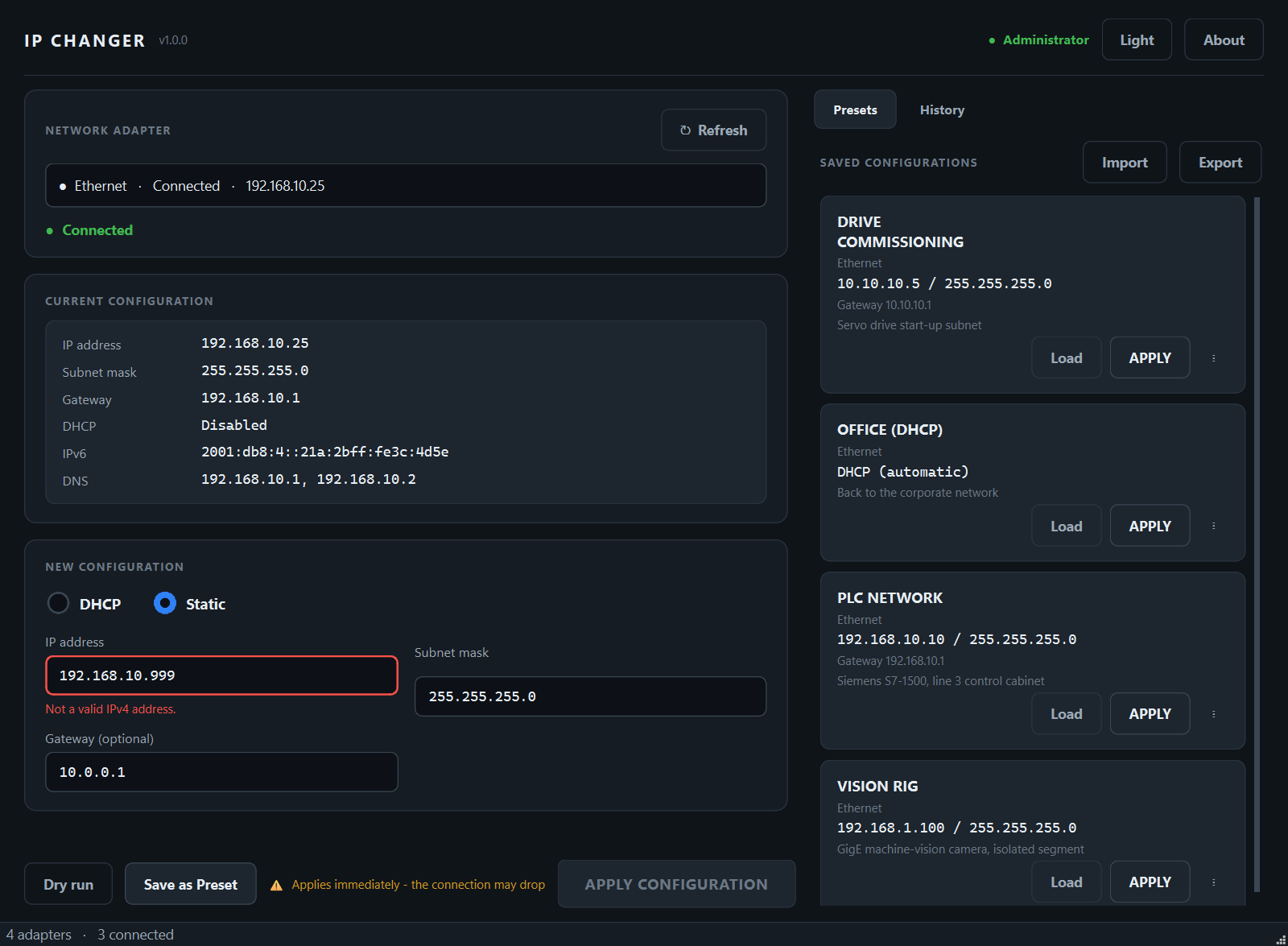
Fields check as you type; Apply stays disabled until the config is complete and valid.
Captures DHCP state, every IPv4 address, gateways and the adapter's identity.
Writes the new configuration to the selected adapter only — nothing else is touched.
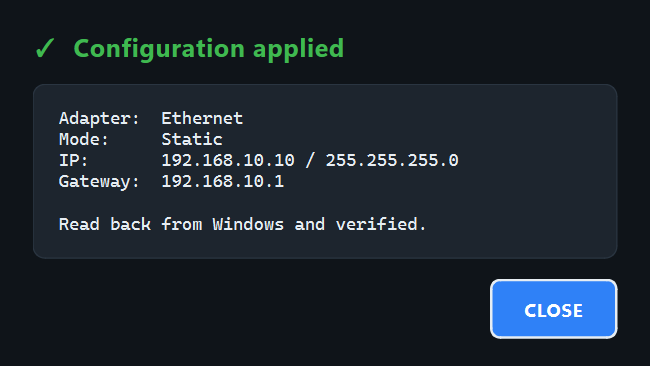
Reads the adapter's real state back and confirms the change actually took effect.
If anything fails or can't be verified, restore the snapshot — itself verified in turn.
Lists every adapter dynamically and identifies its nature — physical, wireless, virtual, VPN, Bluetooth or loopback. It never assumes an interface is called "Ethernet".
Shows the current IPv4 setup including all addresses when an adapter has more than one, plus IPv6 and DNS for reference.
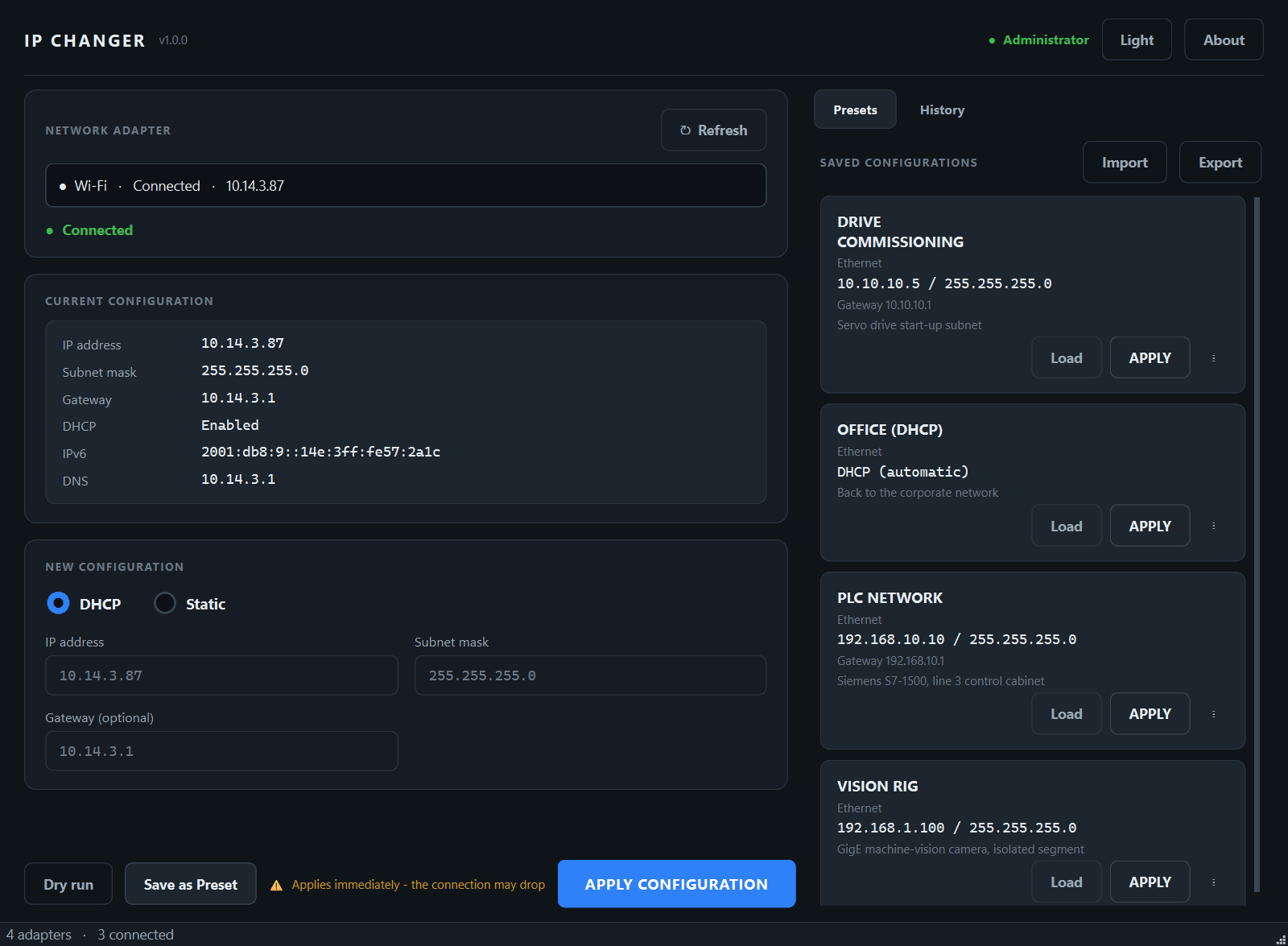
Change address, subnet and gateway, or switch to DHCP — then it waits for a lease and reports the address actually obtained (and flags a 169.254.x.x "no DHCP server" result explicitly).
Saved presets record the adapter's GUID and MAC — not just its name. It matches a renamed adapter, and refuses to apply a preset to the wrong interface.
Every change is reversible. On crash mid-operation, the next start detects it and offers to check or restore — it never rolls back automatically.
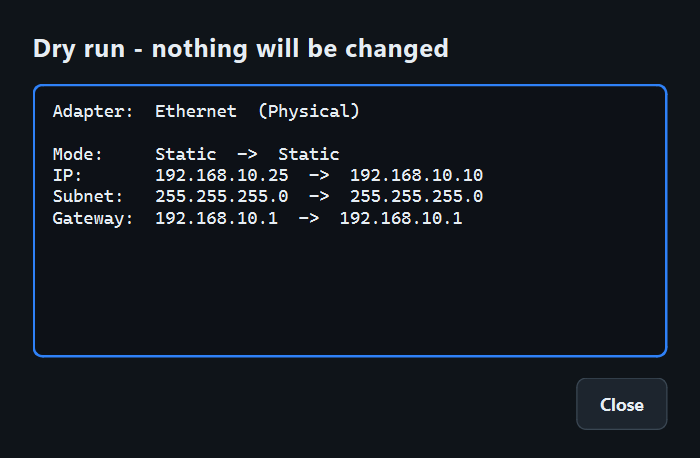
Presets export to validated JSON (treated purely as data, never executed). Dry run previews exactly what would change without touching anything.
IP CHANGER is open source under GPL-3.0. Browse the source, the manual test plan and the implementation specs, or build the executable yourself.